
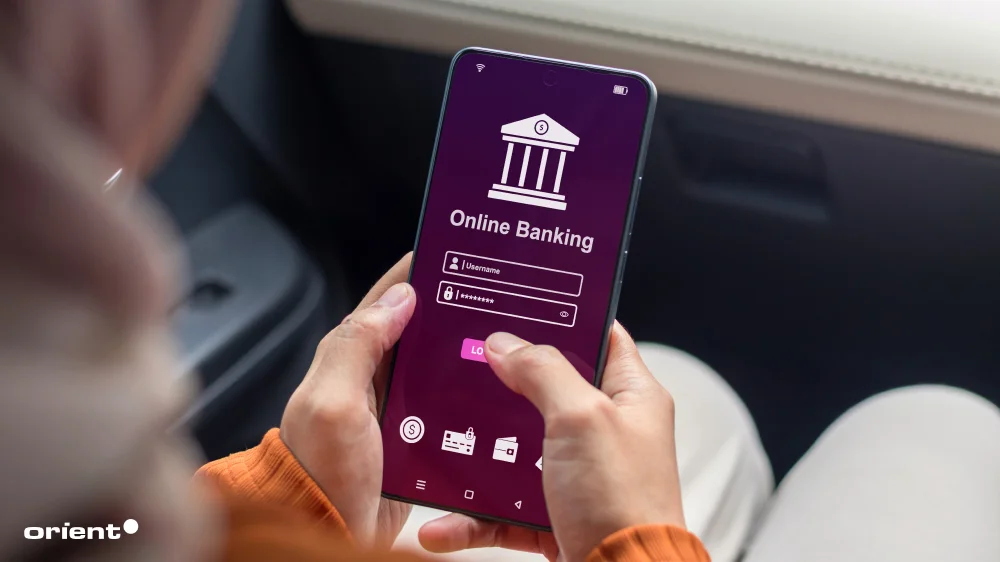
Gone are the days of waiting in line at the bank to deposit checks or open new accounts. Modern technology, namely mobile phones and apps, has made everything possible on a tiny, 6.3-inch shiny device. Most of the basic banking tasks can be achieved on a banking app: Account management, sending and receiving money, contactless payments, even setting financial goals and tracking your spending.
The explosive growth and ubiquity of fintech have pushed companies to build their own banking apps. While the complex architecture and multiple regulations seem to be a daunting task for many, a bigger question that looms at the back of every project’s beginning is “How much does it cost to build a banking app?”
Today’s article aims to lift the mysterious veil covering this question, the key factors that drive the costs, and examples of how much real-life banking apps cost.
Key Takeaways:
- The banking app development market is growing at a double-digit rate with a promising outlook. Statistics go on to show that this is a fast-growing and lucrative market.
- The development approach significantly impacts cost. Building a native iOS and Android app requires two separate codebases and runs $200,000–$500,000, while a cross-platform build using a single codebase offers a more budget-friendly range of $80,000–$200,000. Organizations also need to take hidden costs into consideration.
- Well-known banking apps in the U.S., like Chase Mobile and Bank of America, invested around $18,000 to $28,000 for their banking apps.
- By having a clear idea of what you want, having clear prioritizations, and outsourcing strategically, you can keep costs down without compromising quality and time-to-market.
A quick look at the banking app development market
Mobile banking has always been a major part of fintech. It only makes sense to look at fintech as a bigger picture and later, at mobile banking app statistics for the fine details.
- The fintech market reached $395.38 billion in 2025, and it is not slowing down anytime soon. According to fintech market forecasts, the industry is expected to grow at a CAGR of 16.3% from 2026 to 2034, fueled by rapid digitalization, rising smartphone usage, growing demand for seamless financial services, and wider blockchain adoption.
- Statista reported that North America remained the world’s largest fintech hub in 2025, with more than 12,500 fintech companies operating across the region. That number also marks a modest increase compared to 2024. Europe followed closely behind with nearly 10,000 fintech companies, while the Asia-Pacific region was home to 6,795 fintechs.
- CoinLaw reported crucial insights about the mobile banking app market:
- Globally, mobile banking revenue reached an estimated $1.92 trillion, marking a year-over-year growth rate of roughly 28%.
- Europe follows with approximately $445 billion in annual mobile banking revenue, largely driven by countries like the UK, Germany, and France. The Asia-Pacific region generates around $740 billion in mobile banking revenue each year, which makes it one of the largest contributors to the global market.
- Around 4.2 billion people worldwide now use mobile banking. That means roughly 66% of the global population relies on mobile banking services in some form.
- China remains the world’s largest mobile banking market, with around 860 million people using mobile banking services.
- Around 42% of consumers now prefer using mobile banking apps. In comparison, 36% favor online banking through websites, while only 18% still prefer visiting physical branches.
From the numbers, it is clear that mobile banking apps are playing an increasingly larger role in consumers’ daily lives. The markets’ rapid expansion makes it lucrative — yet also extremely competitive. J.D. Power’s 2025 banking app study revealed that the difference between the highest- and lowest-performing banking apps is now the “smallest on record.” In other words, most mobile banking apps already offer similar core features and experiences, making it harder for brands to stand out. At the same time, retention remains a major challenge. More than 90% of users abandon an app within the first 30 days, highlighting just how competitive the mobile app landscape has become, including in finance and banking.
Needless to say, to survive and thrive in this market, companies need to have a clear strategy before making upfront investments and actually building the app.
Factors that drive banking app development costs
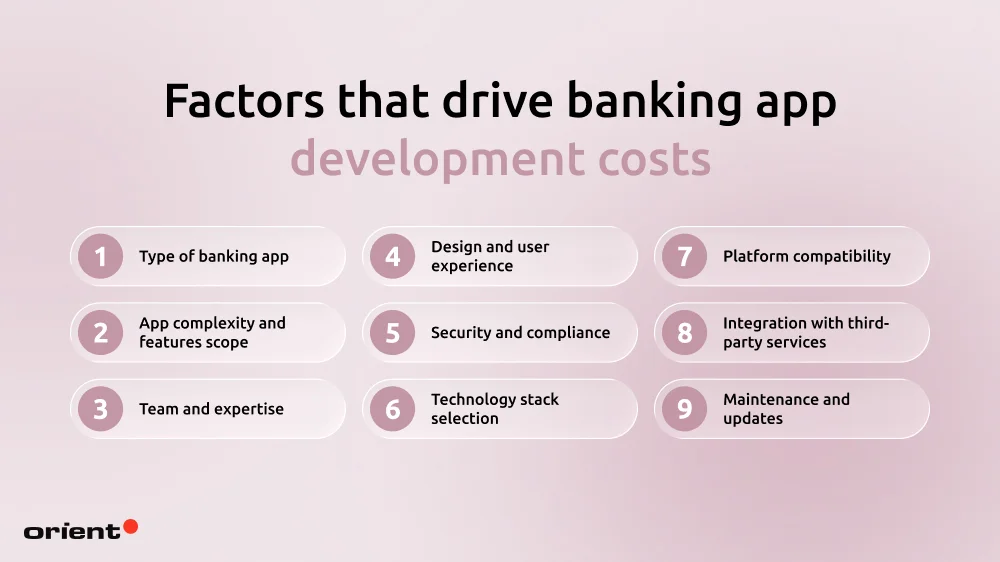
One rarely gets a straight answer when it comes to estimating mobile banking app development costs. It isn’t that companies don’t want to tell you, it is the fact that a wealth of factors affect the final price of a mobile banking app development project.
Type of banking app
The mobile banking app of your choice has a significant influence on the final budget numbers, as they determine app complexity and regulatory overhead. It is best to have a clear categorization for the app you are building. A vague idea will make it difficult to predict cost, especially when it comes to architecture-related factors.
Based on the institutional model, there are 3 main types of banking apps:
- Traditional banking apps: these are extensions of brick-and-mortar banks, with the aim of digitizing existing traditional services. For example, HSBC or Shinhan are considered to be traditional banking apps.
- Neo banks (or digital-only banks): These apps operate without a physical branch and focus on high-speed user interfaces. Their target audiences are generally younger and tech-savvy users. Currently, WeBank, N26, and other well-known neo bank apps are well-known.
- Super apps: Super apps are a comprehensive platform integrating a wide range of services, like payment, commerce, travel, and even social media. Alipay is one such popular super app.
Classifying by functions, there are also the following basic app types:
- Informational apps: they focus purely on account balances, transactional history, etc.
- Transactional apps: focus on money transfer and payments.
- Investment and wealth apps.
Among these apps, super apps often have the highest budget due to their complex architecture and complex regulatory overhead. A standard neobank app comes second, and traditional or functional apps often have the lowest cost. With this being said, identifying the type of app can already give you an idea of the budget range. This, of course, is not the only factor.
App complexity and features scope
As briefly mentioned above, app complexity is an important indicator of the total spend. The more extensive the features, the longer it takes to build, and the higher the operational expense. Around 41.4% of IT projects end up costing more than originally planned, with the average budget overrun reaching 17.9%. Timeline delays are just as common. The Standish Group (2025) found that challenged projects exceed their original timelines by an average of 222%. In practice, that means a mobile banking app initially planned for six months could take close to 18 months to complete.

Banking apps naturally require more financial resources. This can be attributed to the basic features that every banking app needs: Multi-factor authentication, secure session handling, encryption, regulatory audit, etc., and each feature adds time and money to the project. Adding to these basic features a number of advanced features, such as an AI customer support chatbot, speed analytics, rewards and loyalty program, biometric authentication, etc., the numbers can change quickly. Each feature comes with hours upon hours of research and planning.
Planning out the features in advance is monumental. Trying to figure out the core features and resources needed is how you stop the budget from swelling up unknowingly.
Team and expertise
A team shapes the build expense just as much as the features. There are several ways one can go about this.

- In-house team: Let’s say you want to build a basic mobile banking app, and a small team keeps the project lean and effective. You have full control and overview of the important milestones and troubles. When it comes to bigger and more complex projects, however, building an in-house team can become much more challenging. The time and resources to recruit a complete team can take months, especially if you want to find a niche talent. Not only are specialized talent rare, but they also charge higher costs. In the end, your spending might go up.
- Outsourced team: An outsourced team is an external squad of specialists hired to handle the high-security engineering and regulatory heavy-lifting of your app. This might mean they take over the entire development process or only act as an extended team to help the team scale quickly without the overhead of a permanent in-house tech team. The biggest advantages? You won’t need to spend time searching for talent, and can gain access to specialized skills quickly, without much hassle.
With an outsourced team, you can cut several costs: Recruitment, infrastructure, and fixed wages. There are no fixed costs to hiring an outsourcing team either, as it often depends on their location: a team from Vietnam often charges a much lower fee compared to a team from Germany, for example.
Design and user experience
Today, users expect mobile apps to not only be appealing but also provide a smooth, seamless experience. In the first quarter of 2026, mobile devices (excluding tablets) generated 52.27% of global website traffic. This makes mobile optimization crucial, as users will quickly abandon an app that’s not user-friendly.

Fluid user experience is often achieved after long and time-consuming research processes:
For UX design, the processes that one needs to go through include:
- User research and stakeholder interviews
- Competitor and market analysis
- User persona creation
- User journey mapping
- Information architecture setup
UI design includes a number of key tasks, such as:
- Wireframes and interactive prototypes
- Full visual design across all screens
- Custom icons and visual assets
- Animations and micro-interactions
- Design system development
Each process can cost a few thousand dollars up to $30,000. Visual designs across all screens, for example, can cost up to $70,000.
Security and compliance
Finance is a heavily regulated sector. A violation of standards or rules can lead to heavy fines and complete distrust from users and stakeholders. The consequences can be detrimental.
Security and regulatory compliance should be implemented from the very beginning — not in the middle or even worse, at the very end of a project.

- Security features: data encryption, multi-factor authentication, secure log-in, and AI-based fraud detection are among the basic security measures one needs to take to protect their app.
- Regulations: Mobile banking apps are exposed to a number of regulations, and the must-know ones include GDPR, KYC, AML, and PCI scope.
Each investment and regulation will expand the spending and might seem costly at first (most companies spend around 10 to 15% their annual budgets on this aspect). However, this is a long-term investment that not only safeguards your data but also saves you from numerous security troubles in the future.
Technology stack selection

Tech stacks typically are made up of software products, frameworks, and programming languages. Most baking apps are complicated and require a more advanced tech stack, as the complicated architecture is made up of multiple microservices. Each microservice is then specialized for a specific function (fraud detection, notifications, authentication, etc.). Hence, there is no universal tech stack as it depends on the specific goals the team wants to complete.
Development teams often use different languages and frameworks depending on what each component needs to accomplish. Some common technologies developers use include:
- Backend: Go, NestJS, RabbitMQ, MongoDB, and PostgreSQL for databases, and Docker for supporting deployment and infrastructure management.
- Frontend: for native development, companies can choose between Swift or Kotlin. For cross-platform frameworks, React and Native are cost-effective solutions.
An advanced tech stack with AI integration and cloud-native service can cost up to $10,000.
Platform compatibility
The overall spending will be cheaper if you build Android or iOS-only apps. When choosing to build native apps for both, the cost will go up significantly — human resources, tech stack, maintenance, and the list goes on.

If you still want to build an app for both platforms, but have strict budget limits, cross-platform development is a great solution. Not only is the development time shorter, but it is also more cost-effective.
However, businesses need to keep in mind the specific pros and cons that come with each method:
- Native development allows teams to easily tap into APIs that are platform-specific, optimizing performance and security.
- Cross-platform development is cost-effective, but can be more challenging when it comes to maintenance and customized designs or animations.
Integration with third-party services
To achieve the best user experience, modern banking experience needs to integrate with a host of external systems, namely card networks and wallets, instant payment systems, investment and trading, robo-advisors, security and identity verification services, and more. Each integration, in turn, costs a certain fee. These fees might be charged per month, per call, or per transaction.
Maintenance and updates
Launching an app isn’t a one-and-done project. The app needs to be regularly maintained and updated to keep it secure and compliant with industry standards.

This might cost businesses 10 to 15% the initial development fee. The typical tasks performed during this stage include:
- Bug fixes
- Updates to the OS
- Security patching
- Maintaining infrastructure
- Service and hosting
- Upgrades to the UI/ UX, banking tech, and performance.
The average cost of building a mobile banking app
Many factors influence the final cost of developing a mobile banking app, making it difficult to estimate an accurate budget at a glance. To simplify the process, the table below breaks down estimated costs based on app complexity, banking app type, development approach, and additional hidden expenses.
| Factor | Complexity Category | Estimated Cost (USD) | Drivers |
|---|---|---|---|
| Overall Complexity | MVP (Simple) | $40,000 – $100,000 | Basic balance checks, transfer between accounts, simple UI |
| Mid-level | $150,000 – $350,000 | Custom UI, bill pay, basic AI support, third-party integrations | |
| Enterprise-grade | $500,000 – $1M+ | High-level security, complex trading, AI assistants (like Erica) | |
| Feature Complexity | Standard features | $20,000 – $50,000 | User authentication, account history, profile management |
| Compliance and security | $40,000 – $100,000 | PCI DSS, GDPR/SOC2, biometrics, fraud detection AI | |
| Advanced integrations | $30,000 – $80,000+ | Zelle, Plaid, investment trading engines | |
| Development Approach | Native (iOS + Android) | $200,000 – $500,000 | Two separate codebases; best performance and security |
| Cross-platform | $80,000 – $200,000 | One codebase; faster, but slightly less performance-optimized | |
| Hidden / Ongoing Costs | Annual maintenance | 20% – 50% of build | “Renting” the infrastructure from a provider; fast launch, high monthly fees |
| Regulatory audits | $15,000 – $50,000 | Security patches, OS updates, server hosting |
Mobile banking apps: Real-life examples & cost breakdowns
Chase Mobile, Bank of America, and Wells Fargo are among the most well-known apps in America. While these are all major companies in their fields with massive funds, it can be helpful to understand the money large companies spend on their banking apps.
Chase Mobile
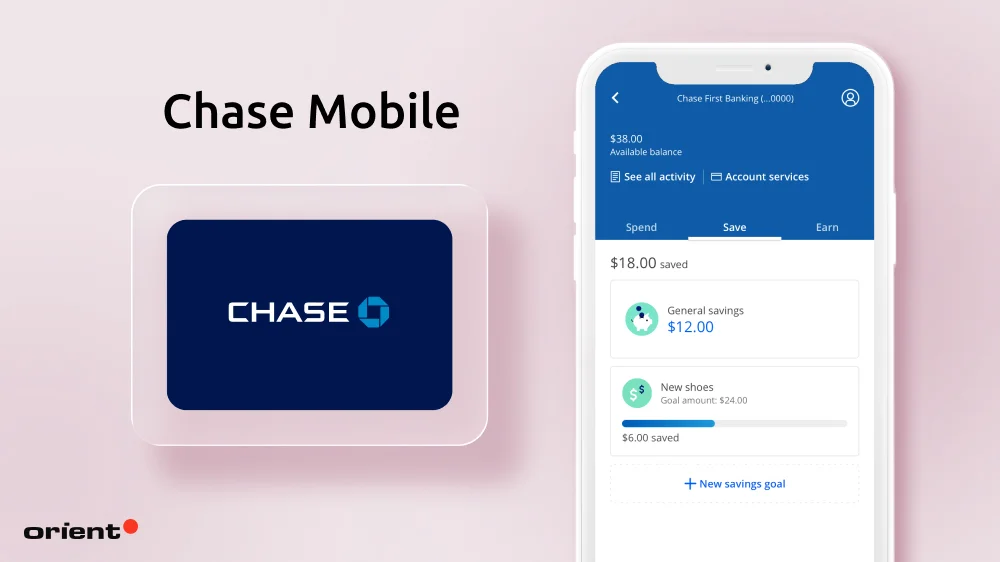
JPMorgan Chase & Co’s Chase Mobile is among the top-rated mobile banking apps, with a strong rating of 4.8/5 stars on the App Store. It offers users a central hub for personal banking, managing business accounts, and investments.
The development cost is estimated to be around $19,000 to $28,000, with the spending on the core banking system estimated to be anywhere from $6,000 to $9,000. Other components, such as UX/ UI design, security implementation, banking API, and payment integrations, cost between $3,000 to $4,000 each.
Bank of America mobile banking
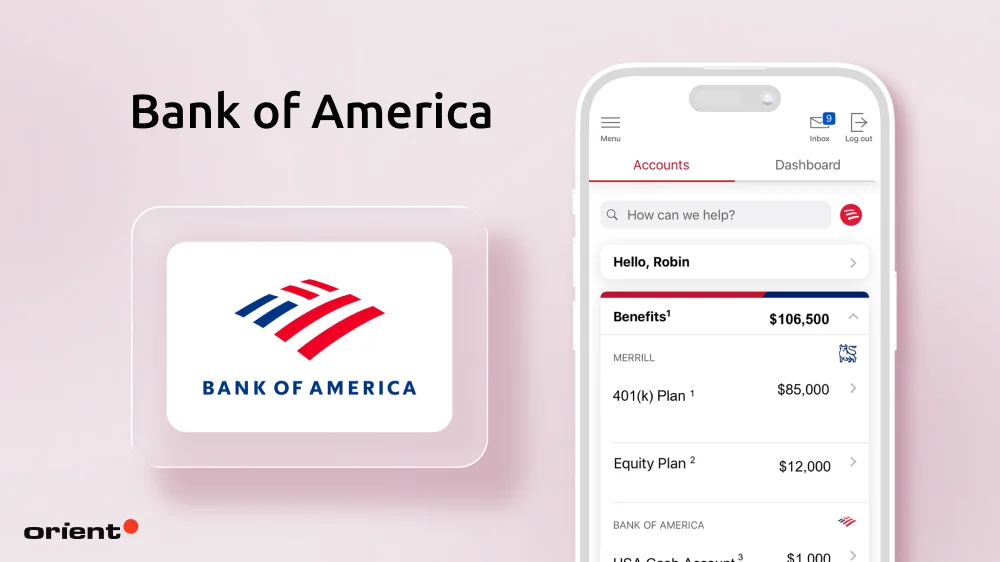
Bank of America is the second-largest bank in the U.S., behind only JPMorgan Chase & Co. The bank serves roughly 69 million customers worldwide and is considered a leader in digital banking and AI integration.
The estimated cost, considering this organization’s mobile banking app, is similar to Chase mobile — around $18,000 to $27,000. Once again, the spending on core banking features is the highest, around $5,000 to $8,000. Other development components hover around $3,000 to $4,000 each.
Wells Fargo
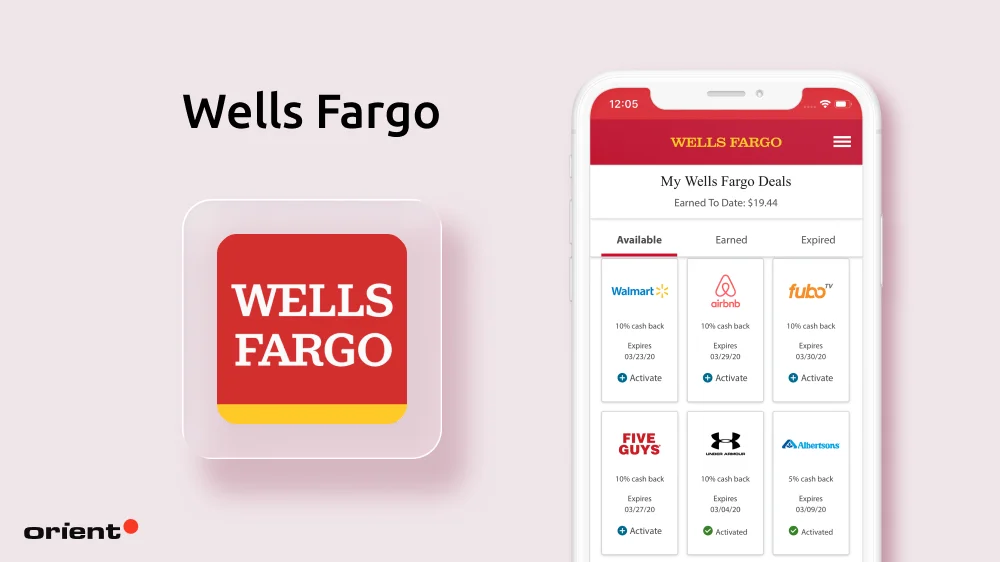
Wells Fargo is the third-largest bank in America. The organization has undergone digital reformation to catch up with its competitors.
Backend infrastructure costs around $3,000 to $4,000, UI UX $2,000 to $3,000, security features $2,000 to $3,000, core banking features around $5,000 to $7,000, and other components costing another $3,000 to $4,000 each, resulting in a total of $18,000 to $25,000.
The hidden costs most estimates leave out
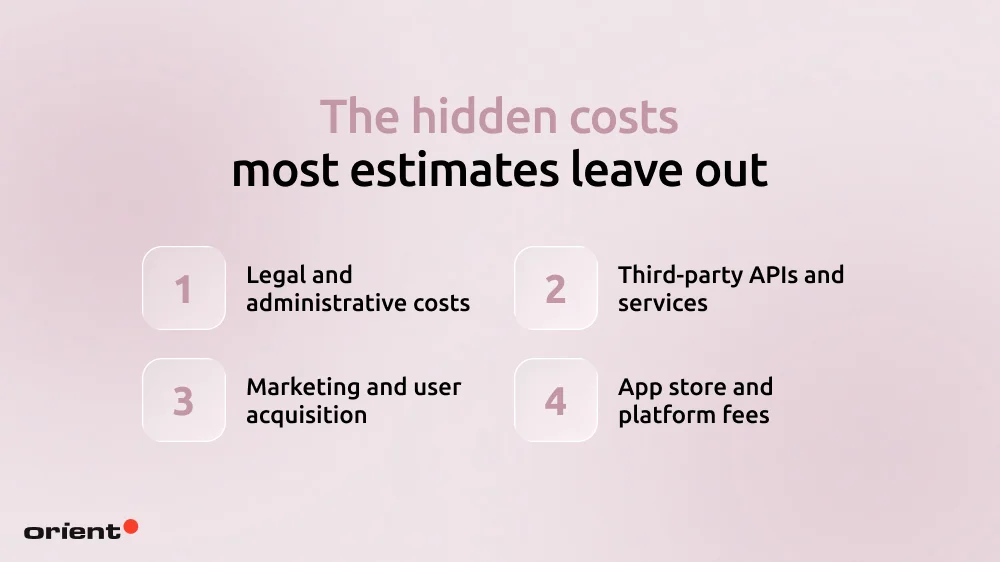
At the beginning of the article, we have identified 10 factors that determine the overall budget for a banking app project. There is one more category, however, that we would like to discuss separately, in more depth: hidden costs.
These costs are often overlooked during initial cost estimations but can easily add 20% to the overall spending.
Legal and administrative costs
Before the actual development begins, businesses need to cover a number of foundational expenses that are barely mentioned in the development quote.
- Operational tools: every development project requires a number of paid tools and software subscriptions. For instance, companies need to pay for communications tools like Slack, project management platforms like Jira or Asana, and code repositories like GitHub.
- Creative assets: Visually appealing apps rely on licensed fonts, stock images, illustrations, and design assets, which might require licensing fees or one-time payments.
Third-party APIs and services
To achieve advanced functionality, banking apps rely on third-party APIs and external services. In addition to financial-specific APIs we mentioned, other services include:
- Mapping services: Google Maps Platform provides financial institutions with geolocation features.
- Communication APISs like Twilio provide SMS verification, calls, and messaging.
- Data feeds: This entails financial market data or weather APIs.
- AI and machine learning services: Google Cloud Vision AI offers image recognition and other AI-powered features.
Marketing and user acquisition
Marketing is often overlooked when it comes to app development expenses. Even the best app can fail without a proper strategy to acquire and retain users.
- Pre-launch marketing: teams need to build landing pages and invest in promotional videos and media press to generate awareness and interest.
- Paid advertising: This might be one of the largest expenses. Common channels include Google App Campaigns or Apple search ads. Other social media platforms like Facebook or TikTok can be efficient as well.
- Organic growth strategies: To improve discoverability and long-term authority, it is necessary to invest in App Store Optimization (ASO) and SEO-driven content marketing.
App store and platform fees
Every project comes with essential platform costs.
- Developer account fees, like the Apple Developer program, charge $99 a year, while the Google Play Console requires a one-time $25 registration fee.
- Platform revenue commissions: Apple and Google typically charge 14 to 30% commission on app revenue generated through digital transactions, subscriptions, and in-app purchases.
How to reduce banking app development costs
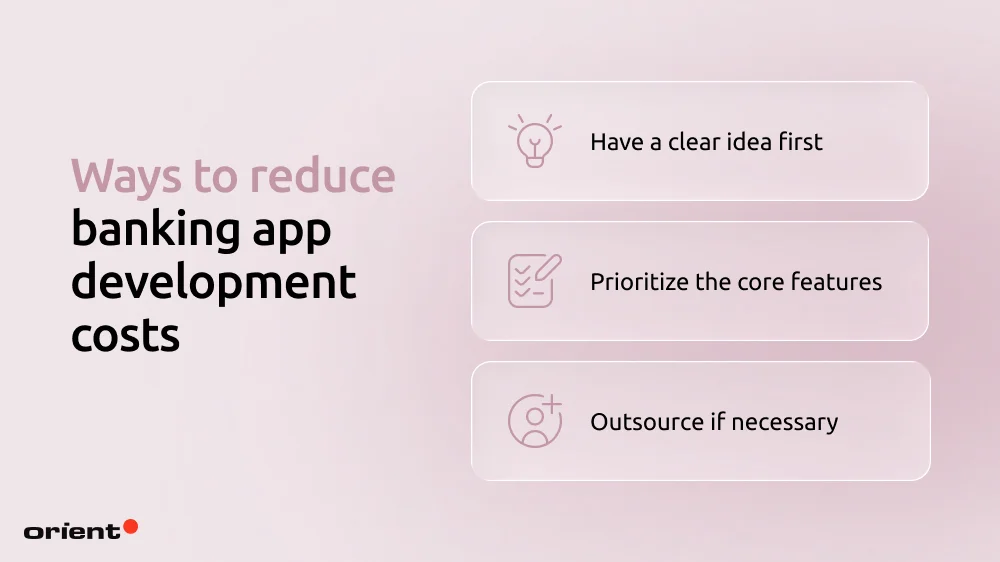
A banking app development process budget can be hard to control, as numerous factors can quickly bloat the spending. Being overly controlling and stressed with the budget isn’t the answer either, so here are 5 helpful tips to keep the budget in check efficiently.
Have a clear idea of what you want
Clarity is currency. Even before the actual development starts, be as clear and as specific as possible about your expectations. Changing features and ideas midway increases the costs dramatically.
Document everything. Creating detailed documentation early helps developers understand your expectations and reduces the risk of costly revisions later. This documentation should outline core features, user flows, UI/UX preferences, target platforms (iOS, Android, or both), security requirements, integrations, and your overall business goals for the app.
A well-defined plan is how you prioritize features and manage the budget efficiently.
Keep banking features front and center
Shiny features might seem attractive at the moment, but if your users don’t know about them or barely utilize them, then it is best not to include them at all. Focusing on core banking features is how you keep the costs down, all while optimizing user experience. This can be achieved by:
- Understanding user behaviors: Utilizing analytics tools uncovers how users interact with different app features and services, giving businesses a clear insight to focus more on value-driven functions.
- A/B testing: teams can test different layouts, feature placements, or styles to see which version gains the highest engagement and conversion.
- Conversion funnel analysis: By tracking the customer journey from discovery to feature adoption, banks can identify where users drop off or encounter friction, making it easier to improve onboarding and feature accessibility.
Outsource when possible
Building an entire project in-house might not be the most cost-efficient solution. Even with a team full of experienced developers, tackling every single development task is both overwhelming and costly.
There are several ways you can go about this: outsource parts of the project or even the entire project. An outsourced team cuts costs and delivers high expertise almost immediately while slashing time-to-market. In other words, an outsourced team brings multiple values besides cost savings.
Parting notes

Building a mobile banking app is a major investment where cost is closely tied to complexity and security. From designing secure system architectures and selecting the right tech stack to integrating third-party financial services and meeting strict regulatory requirements, every development decision directly impacts the final budget and long-term success of the product.
That’s where Orient Software can help. With more than a decade of experience in fintech software development, our team helps businesses move beyond rough estimates and build a clear, strategic roadmap for development. From planning and architecture to deployment and long-term support, we work with you to turn your banking app idea into a secure and market-ready solution. Contact Orient Software today!