
Change may be necessary, but it’s never easy. People even say “If it works, don’t touch it” in a light-hearted manner, but is that always the case? Is staying in the comfort of the old truly “comforting”?
Staying in the comfort zone might not always be the best call. This statement is at least true for legacy banking. A 2024 survey has shown that 55% of banks state that the biggest obstacle to change is legacy systems, which shows that there is a pressing need for change in the field.
How does one go about these changes, however, without disrupting the entire organization? What risks lie behind those decade-old legacy systems? How does one even begin to approach a mammoth of a task? Let’s dive in and find out.
Key Takeaways:
- A legacy banking system is an outdated, often mainframe-based platform that still runs a bank’s core operations despite its limitations.
- Despite being outdated, many banks still rely on banking legacy systems for the fear of downtime and disruption (which will cost banks a lot of money), the high cost that comes with the modernization process, and the extended time that it takes.
- However, these outdated systems are often costly and complex to maintain, have multiple security vulnerabilities, and often lead to missed business opportunities since the system can’t keep up with the current market and business needs.
- There are 8 steps involving modernizing legacy banking systems that boil down to: building a buffer zone around the core legacy system, validating the new capabilities often, and fostering operational readiness for the team.
What does legacy banking mean?
A legacy banking system refers to outdated, often decades-old software and hardware platforms (typically mainframe-based) that continue to power a bank’s core operations. These systems were originally built to handle essential functions such as account opening and administration, transaction processing, deposits, loans, credit services, and compliance. As a result, they remain deeply embedded in day-to-day banking activities despite their age.
These banking systems bear a number of similarities with their modern-day counterparts. In this session, however, we will only mention the characteristics that are unique to legacy banking systems.
- Monolithic structure: Legacy systems are typically built with a monolithic nature, meaning all parts of an application are tightly bundled into a single, unified unit. This means the business logic, user interface, and data layer are all developed and deployed together (instead of being separate components). A monolithic architecture is often considered to be quite rigid.
- Not flexible: As mentioned above, the architecture of legacy systems makes it challenging to add new features or scale the app. Since the components are so tightly packed, any modification can introduce bugs or inconsistencies.
- Lack of integration capabilities: legacy systems may lack the standardized API to integrate with modern services or third-party applications.
Why banks still rely on legacy banking systems
If traditional banking systems are so outdated and rigid, why do many organizations choose to stick with them?
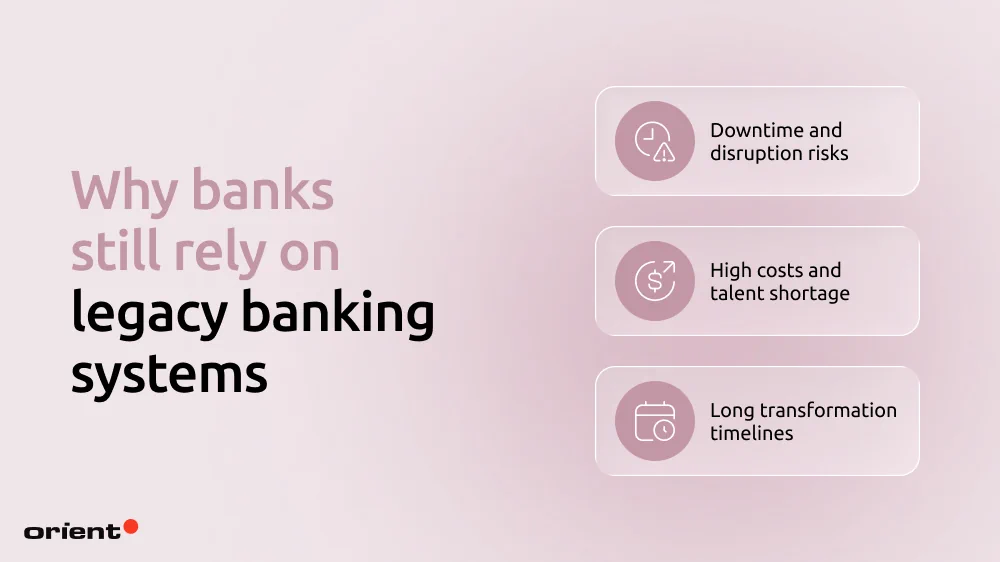
Downtime and disruption risks
Downtime and service disruption are any bank’s worst nightmare. Gartner’s 2014 study estimated that downtime of a core banking system can cost an average of $5,600 per minute. The financial damage is massive. Another even more damaging consequence, however, is the potential “digital churn”, where customers immediately move to use a competitor’s service.
High costs and talent shortage
It would be easy to simply say “the system works just fine, so why change it?”, then move on. Nevertheless, reality is far from being that simple. A study by IDC Financial Insights showed that global financial institutions are projected to increase their spending on outdated payment systems from $36.7 billion in 2022 to $57.1 billion by 2028, reflecting an average annual growth rate of 7.8%. The huge costs businesses spend on legacy systems often leave little for the innovation budget.
Another challenge is the shortage of specialized talents. Many of the traditional banking systems are written in COBOL. Even though COBOL is an old language that is difficult to scale with a shrinking talent pool, banks still heavily rely on it. The language still handles critical tasks like processing transactions or handling payments in many organizations. This causes banks to be stuck in a “talent premium” cycle, where they have to pay high rates for the limited number of specialists who can still work with the poorly documented, spaghetti-like code from the 1980s.
Long transformation timelines
In addition to the challenges regarding operation and the notoriously high costs, the transformation period might extend for years. The Commonwealth Bank of Australia (CBA) is the industry’s go-to case study for a long-term modernization plan. Its initial core replacement cost a massive amount of money and took nearly a decade of planning and execution (from 2008 to 2013). Even then, the effort wasn’t over as they spent 18 months migrating the core to the cloud to keep up with AI demands.
There is no universal timeline for modernization efforts, as it varies due to various reasons.
- Inconsistent data and quality issues can delay timelines.
- Core banking systems are rarely standalone. They connect to other systems, leading to a time-consuming redesign process and dependency management.
- Depending on how much risk the bank can handle, the timeline might extend further.
- Regulatory requirements might force the team to slow down and redesign certain elements.
Hidden risks of legacy banking systems
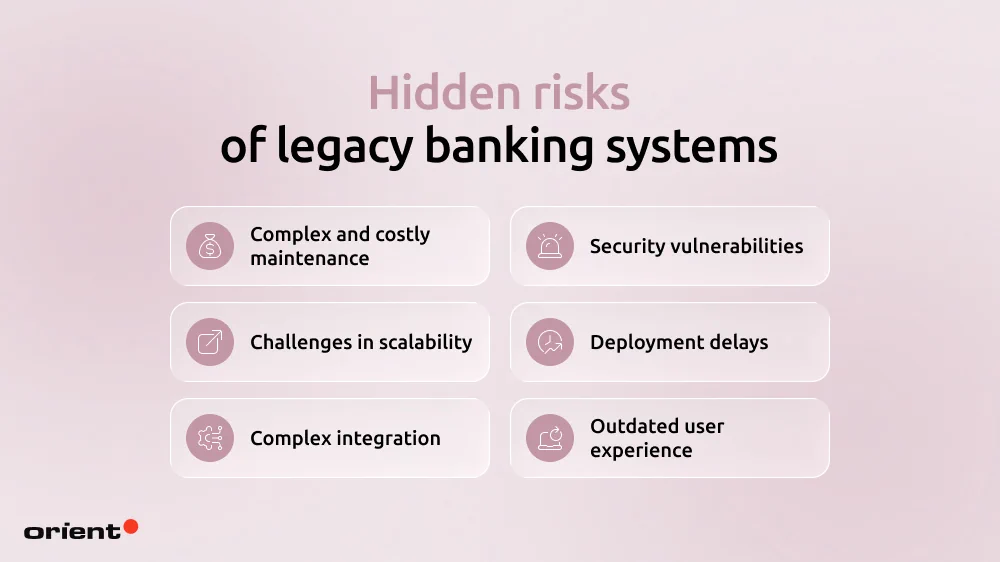
Complex and costly maintenance
A lack of legacy talent pools forces banks to choose only between a handful of vendors when maintenance is needed. The operation is higher and costlier. It also becomes a challenge every time a security patch or update is needed.
Security vulnerabilities
Financial institutions are a cybercriminal’s favorite target. The sensitive information banks hold needs rigorous security measures, which legacy banking systems may lack. Since it is difficult to integrate new software packages, organizations with traditional systems might lack the support of modern security measures like strong data encryption practices, role-based control, real-time monitoring, fraud detection, and so on. Data breaches can have devastating consequences on your organization’s reputation and finance.
Challenges in scalability
Traditional systems were built with the constraints of older computing powers. The system might struggle to handle sudden spikes in traffic or the growing number of users (which comes with growing transaction demands, security measures, and so on). In other words, the system’s scaling limitations also constrain its ability to grow alongside the business.
Deployment delays
The fintech world is agile and constantly evolving. Legacy systems aren’t built for the fast-paced market, leading to slow time-to-market and missed opportunities.
Complex integration
Core banking systems’ architecture is fragile with complex interdependencies. When a new feature or software needs to be integrated into the business, it must connect with the legacy system, which is often not designed to support seamless interoperability.
This is why legacy systems have a hard time keeping up with cutting-edge technology and innovations – a lot of workarounds and clunky external systems are needed.
Outdated user experience
Legacy systems aren’t built with mobile applications in mind, making the UI and UX frustrating and unintuitive. In a world where almost everything is done on a mobile phone, this is how businesses can lose a significant competitive edge.
How to modernize a legacy banking system without disruption

Step 1: Start with deep discovery
Before any actual modernization, you need to understand what it is that you are trying to modernize first. Conduct thorough audits regarding batch processes, data flows, third-party integrations, as well as workflows that cannot be disrupted, like payments, card transactions, and authentication.
Clearly separating what must remain live from what can be modernized allows banks to upgrade systems in the background without disrupting operations or customer experience.
Sit down with the team to answer critical questions. Remember to document every audit, goal, and answer.
- Where is the heaviest technical debt?
- What component is the biggest bottleneck?
- Which services must stay live at all times?
- How do these improvements and new capabilities support and improve the customer’s journey?
- Do you have a clear map of the architecture and dependencies?
- What is the security and compliance baseline?
After having answers to these basic questions, you will have a clearer view of the roadmap: what should be modernized first, what metrics are used, and how to set up a safe environment for the process.
Step 2: Set up strong modernization governance
A successful project relies on a team of highly skilled professionals and efficient project management. Modernization is a massive undertaking, so it is vital to have a team overseeing the entire process, aligning business requirements with technology decisions.
Effective modernization governance typically includes:
- Clear decision ownership: have clearly defined roles across product owners, architecture, compliance, and risk.
- Built-in risk and regulatory compliance oversight: regulatory requirements are addressed throughout the process, not at the end
- Business-led prioritization: modernization effort is ranked by risk reduction, operational value, not by technical convenience.
- Release authority and escalation paths: make it clear who approves of changes, who has the authority to stop a release, and who decides when rollback is required
- Structured change control: each modernization task is delivered in increments with clear criteria regarding performance and compliance.
Step 3: Begin modernization at the edges before moving into the core
A lot of things can go wrong in a modernization project. One effective way to tackle this is to break down the system and start at the edges. Don’t start right away at the core. Modernizing peripheral systems is the cheat code for banks to bring in new tech and prove that they work without risking an entire system collapse. Modernizing the edges is a low-risk ground for your architecture and delivery methods.
Instead of doing a “big bang” migration, start with systems that touch the customers:
- Web and mobile apps (customer channels)
- Fraud detection and CRM upgrades, especially security and data
- Payment operations, reporting, and real-time notifications.
Doing so gives the team time and space for microservices and APIs. Keep in mind these crucial rules:
- Isolate everything. Use API gateways to ensure new features don’t touch legacy databases directly.
- Monitor from day one: Build in centralized logging and tracking early.
- Establish security measures: Test the new capabilities under real-world transaction volumes.
Step 4: Use a parallel run to separate change from risk
To test if the system can handle both the new data flow without switching off the old one, parallel running is the way to go. It is a safety net to ensure that legacy and new capabilities can work side by side until the modernization efforts come to a solid end.
The legacy core system is a primary anchor while certain operations flow through the new, modernized layer. Some strategic parallel modes are:
- Active-passive (shadowing): The legacy system remains the “boss” (system of record). The new system receives a mirror of the data to see if it would have processed it correctly.
- Active-active: Both systems process transactions. A reconciliation layer sits in the middle to ensure they both agree on the result.
- Feature-based routing: You don’t move everyone at once. You route specific regions, branches, or high-tier customers through the new stack first.
- Traffic gating: Set automated “kill switches.” If latency or error rates on the new system spike, the gate closes and traffic stays on the legacy core system.
By proving the new system can handle new loads, stakeholders can gain confidence in the process as they see tangible results without costly operational disruptions.

Step 5: Treat data migration as a controlled and verifiable process
Data migration is the riskiest part of the modernization journey. Finance is a strictly regulated sector, so any lost data or record is a breach of trust.
Data migration shouldn’t be treated as a “copy-paste” technical task. Here is a five-step checklist to help you move data safely:
- Comprehensive inventory: Map every data source, owner, and dependency. You can’t migrate what you don’t track.
- Explicit mapping: Define exactly how each legacy data element transforms to fit the new architecture’s schema.
- Pre-migration cleanup: Standardize formats and remove duplicates before they hit the new system. Don’t migrate uncleaned data.
- Incremental batches: Move data in controlled groups. If batch A fails, you haven’t broken the entire bank.
- Dual validation: Check the technicals (checksums and counts) and the business logic (do the balances actually match?).
During the moving process, always double-check to ensure that the security measures are in place. This includes:
- Data encryption
- Strict role-based permissions to see who is interacting with the data
- Log every migration activity for a clear audit trail.
Step 6: Get the platform ready for cloud operations
To avoid massive rework later down the road, your new components need to be cloud-ready by design, even if this means you are not ready to move the core to the cloud right away. To achieve cloud readiness that fosters gradual infrastructure evolution, there are five capabilities the team needs to focus on:
- Containerization: Use tools like Docker to ensure your services run the exact same way, whether in development or real life.
- Infrastructure as Code (IaC): Treat your server setups like software. Use scripts to deploy environments so they are repeatable, auditable, and free from human error.
- Environment parity: Eliminate the “it worked on my machine” mindset. Your testing and production environments should be identical clones.
- Horizontal scalability: You should be able to spin up ten more payment services during a holiday rush without touching your account balance service.
- Automated recovery: Build systems that detect failure and automatically roll back or re-deploy.
Being cloud-ready brings with it more automated security: universal monitoring on-premise and in the cloud, and configuration management to ensure every security setting is consistent across every region and environment.
Step 7: Build security, compliance, and auditability into every layer
Security and compliance need to be built into every layer of the system. Leaving either of the two as an afterthought risks release delays, emergency patches, and regulatory violations. To move forward without any of these risks, there are safety measures you can take:
- Identity and access management (IAM): Use “least-privilege” policies. Neither a human nor a microservice should have more access than they absolutely need to perform a task.
- End-to-end encryption: Data must be encrypted at rest and in transit. This includes communication between your internal services.
- Audit logging by design: Every transaction, configuration change, and login event must create an immutable log. If it wasn’t logged, it didn’t happen.
- **Continuous compliance validation: ** Don’t wait for a quarterly audit. Use automated tools to check your systems against regulatory policies in real-time.
Being meticulous with security early on allows future services to reuse or inherit the same pattern, saving the team a lot of time and money when you wish to upgrade or add new features.
Step 8: Train teams and operationalize changes to sustain modernization
The modernization efforts won’t be sustainable if your team members don’t know how to use it. Encourage your team to master the new system. Help the teams shift out of the mindset of “protecting the old legacy core banking systems”.
- Have targeted role-based training: people don’t need to know every detail. Only share the essential and suitable details depending on their specific department. For example, the customer support team needs to know how the transaction flows.
- Create a playbook: Build runbooks for incident responses, manual reconciliations, and instant rollbacks.
- Shadow operations: Let your team practice using the new system in parallel with the legacy system.
- Readiness checks: Before scaling traffic, ensure both the technology and the people are ready. Does the on-call engineer know how to read the new dashboard?
- Create feedback loops: Catch any confusion early. Fix frustrations or friction before they become real-world bottlenecks.
Don’t rush the process. Resistance to change is natural, so we recommend implementing small tasks with measurable wins. Once the work gets easier, the organization and culture follow.
Parting notes

Replacing a decades-old mainframe is undoubtedly scary. The main strategy here is to take small, calculated steps instead of a massive overhaul. While the process is slow and labor-intensive, modernization doesn’t have to be a high-stakes gamble. Validate often, de-risk early, and encourage the team, and you’ll soon see small but measurable wins.
The risk isn’t changing the system; it is staying right where you are. If you are ready to take the next step, let Orient Software be the one to lead you. Two decades of experience mean we have seen both legacy systems and modern ones and know the best route to help you modernize sustainably. Contact us today!